
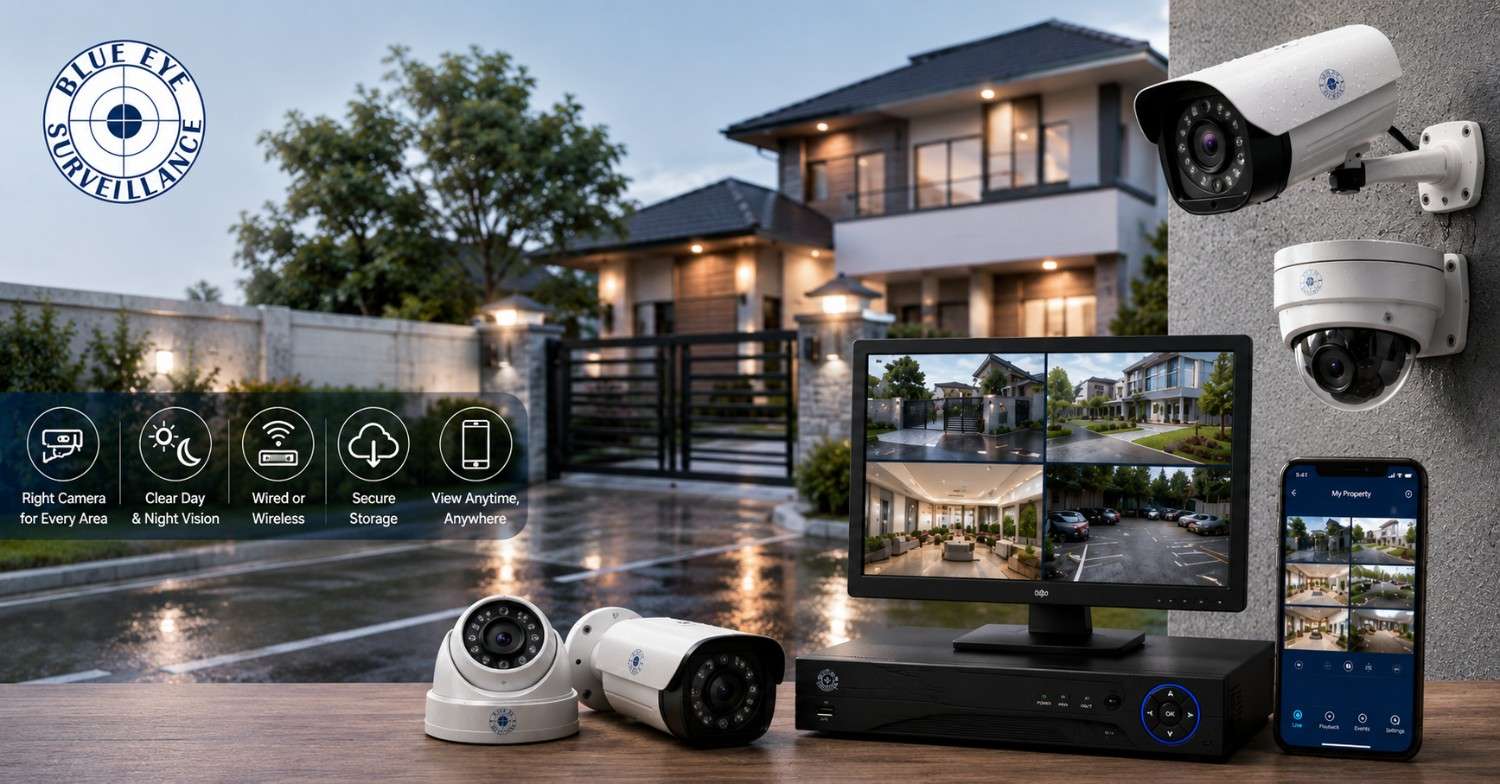
A CCTV camera often gets bought like any other gadget, quickly and on looks, right up until the footage lets you down and you’re shopping all over again. Then the footage turns out too grainy to make out a face, or the outdoor camera fogs up after the first heavy monsoon, and they end up shopping all over again.
A camera that’s perfect for your front gate can be a bad fit for a dark backyard. So before you compare any products, it pays to work out what each spot on your property actually needs. Get that part right and most of the decision makes itself.
Start with what each spot needs
Walk your property once and note the places you care about. A front gate, the cash counter, a narrow staircase, the boundary wall at the back. Each one comes with its own problem to solve.
First decide how much detail you need. To catch a face or number plate, get a sharper camera with a tighter angle. Just watching a yard for movement? A cheaper, wider one is fine. Watching a wide open yard for movement is far more forgiving, so a cheaper, wider camera does fine there.
Sort this out before you shop. Skip it and you’ll either overpay for detail you didn’t need, or underbuy for the one spot that actually mattered.
Indoor or outdoor cameras
The environment usually settles this for you. Anything mounted outdoors in Mumbai has to put up with months of rain, dust, heat, and the occasional lizard that decides the camera housing looks like a nice home. Look for an IP66 or IP67 rating. That number tells you the unit is sealed against dust and strong jets of water. Indoor cameras skip all that protection, which is part of why they cost less.
Shape is the other thing people notice. Bullet cameras are the long, tube-shaped ones you see pointing down over gates and driveways, usually with a small hood against sun and rain. Dome cameras are the rounded ones that sit flush against a ceiling, common inside shops and offices because they’re harder to knock out of position. Go with whatever suits the spot instead of worrying about which type wins on paper.
How much resolution you actually need
Resolution is what decides whether a zoomed-in clip shows a clear face or a grey smudge. For a home or a small shop, a 2MP (1080p) camera covers a doorway or a room without any drama. Want to read a bike’s number plate at the gate, or pick a face out across a wide compound? That’s when 4MP or 5MP earns its price.
There’s a catch people forget. Sharper cameras record heavier files, so they fill storage faster and need a recorder that can keep up. An 8MP camera is wasted money if your recorder quietly compresses the feed, or your hard drive runs out of space over a long weekend.
Night vision that holds up after dark
Most trouble happens at night, which is exactly when a weak camera lets you down. The spec to check is the IR range, given in metres. It tells you how far the camera’s infrared can actually see in the dark. Thirty metres is plenty for a gate. A small room needs a fraction of that, so there’s no reason to pay for range you’ll never touch.
Standard night vision shows everything in black and white. If you’d rather have colour after dark, look for models sold as “full-colour” or “colour night vision.” They use a better sensor and a small built-in light. You pay a bit more, and in return you can tell whether the person at your gate was in a red shirt or a grey one, which can matter more than you’d expect.
Wired or wireless
Wired cameras carry both power and data over cable. Once they’re up, they mostly just run and keep running. The catch is the fitting itself, because pulling cable through a finished building can turn into a proper job.
Wireless cameras are much quicker to put up since they connect to your router over Wi-Fi, though they lean on a steady signal and still need a power point nearby. For covering a whole property that isn’t changing, most people are happier going wired. In a rented flat, or somewhere you can’t run cable without opening up a wall, wireless is the sensible pick. Plenty of homes end up with a mix of both, and there’s nothing wrong with that.
Field of view and where you mount it
A camera’s field of view is simply how wide an area it can take in. A wide lens grabs more of the scene, but faces and objects at a distance shrink down and get hard to read. If detail far away is what you’re after, a narrower lens handles it better even though it sees less to the sides.
Where you mount the camera counts just as much as the lens, sometimes more. Fix it high enough that nobody can reach up and turn it away, but not so high that everyone on screen looks like an ant. Aim it at doors, gates, and the paths people actually use, not at an empty wall. Getting the angle right on one camera often beats adding two more in the wrong places.
Where the footage gets stored
Every camera has to record somewhere, and you’ve basically got two routes. One is a local recorder, a DVR or NVR with a hard drive sitting in your building. The other is cloud storage, which saves clips online.
Local recording is a one-time cost with no monthly bill, and the footage stays entirely yours. The weak spot shows up the moment you picture a break-in: if the burglar finds the recorder, your evidence leaves with them. Cloud storage gets around that by keeping clips off-site and reachable from your phone, though you’ll usually pay a subscription and you’re trusting your internet to stay up. A fair number of setups run both, so there’s a backup when one of them fails.
Smart features worth paying for
Newer cameras arrive stuffed with extras, some genuinely useful and some just there to pad the box. Motion alerts are the one most people come to rely on: the camera pings your phone only when something moves inside a zone you’ve drawn, so you’re not buzzed every time a car rolls past. Better models add person and vehicle detection, which learns to ignore swaying branches and passing cats. Two-way audio lets you talk through the camera, handy for a delivery at the gate when you’d rather not walk down. App access means any camera opens live on your phone, wherever you happen to be.
Just don’t let the feature list pull your attention off the basics. The camera you’ll actually depend on is the one that gives a clean picture in daylight and at night. Everything clever sits on top of that.
Setting a sensible budget
Two instincts tend to backfire. One is grabbing the cheapest kit on the shelf. The other is assuming the most expensive one has to be the safest. Budget cameras usually cut corners on the things that matter most, like night vision and weather sealing. The premium ones often pile on features a normal home will never switch on.
Work out your non-negotiables first, then buy around them. And price the whole system, not just the cameras: the recorder, the hard drive, the cabling, the fitting. A little more spent on the parts you’ll use every day tends to work out cheaper than replacing a bargain setup a year later.
If sorting through all of this sounds like more than you bargained for, that’s fair, and it’s the reason professional CCTV camera security services exist. Someone surveys the property, matches a camera to each spot, and installs the lot so it works properly the first time.
A quick checklist before you buy
- Noted every spot you want covered, and whether each one needs to identify people or just detect them
- Picked weather-rated cameras for anything going outdoors
- Matched resolution to the job instead of chasing the biggest number
- Checked the night vision range for each location
- Chose wired or wireless based on your building, not only the price
- Confirmed your recorder and hard drive can handle the number of cameras you’re adding
- Kept the smart features to the ones you’ll genuinely use
Frequently asked questions
What resolution CCTV camera is best for home use?
For most homes, a 2MP (1080p) camera is enough. It gives a clear view of doors, rooms, and the gate. Move up to 4MP or higher only if you specifically need to read number plates or recognise faces from a distance.
Do I need internet for CCTV cameras to work?
No. Cameras that record to a local DVR or NVR work fine offline. You only need a connection if you want to watch the feed on your phone from elsewhere, or keep clips in the cloud.
How many CCTV cameras do I need for my property?
It comes down to your entry points and blind spots rather than the size of the place. A typical home is well covered by three or four cameras at the main gate, the front door, and one or two key indoor areas.
Is a wired or wireless CCTV camera better?
Wired cameras are steadier for a permanent, whole-property setup. Wireless ones install faster and suit a rented home, or any spot where running cable would be a headache.
How long does CCTV footage stay saved?
That depends on your hard drive size, the camera resolution, and how many cameras record at once. Most home systems hold roughly one to four weeks before the oldest clips get written over.
Final thoughts
A good choice really comes down to matching the camera to the spot. Figure out what each location needs from resolution and night vision, then find a mount point where the camera can see what matters. Settle where the footage will be stored, and the deciding is basically done. Installation is the straightforward part after that.